How Outsourcing Your Wedding Video Editing Actually Works
From uploading footage to downloading the final film and project file — the whole process, with nothing glossed over. No calls, no quotes, no guessing when it lands.
What you need before your first request
Five minutes of prep. Getting these right is the difference between a first draft that's close and one that needs three rounds.
Have ready
- A download-enabled Drive or Dropbox link. Sharing set to anyone with the link, downloads permitted, live until we deliver.
- Two or three style references. Your own past edits work best — films you love are the next best thing.
- External audio. Lav mics, recorders, board feeds — anything separate from camera audio.
- Your footage size in GB. Up to 500 GB is included.
- Font and title preferences, if you have a house style.
What slows things down
- A link with downloads disabled. The single most common cause of a delayed start — the clock doesn't run until we can access the footage.
- A link that expires mid-project. Keep it live through delivery.
- No style reference. We'll still cut it well, but it'll be our read of your work rather than your brief.
- Very large uploads with no proxies. Proxies alongside your originals cut download time significantly.
Five steps, start to finish
Everything happens in your client portal. No email threads, no chasing.
Buy the service, then create a request
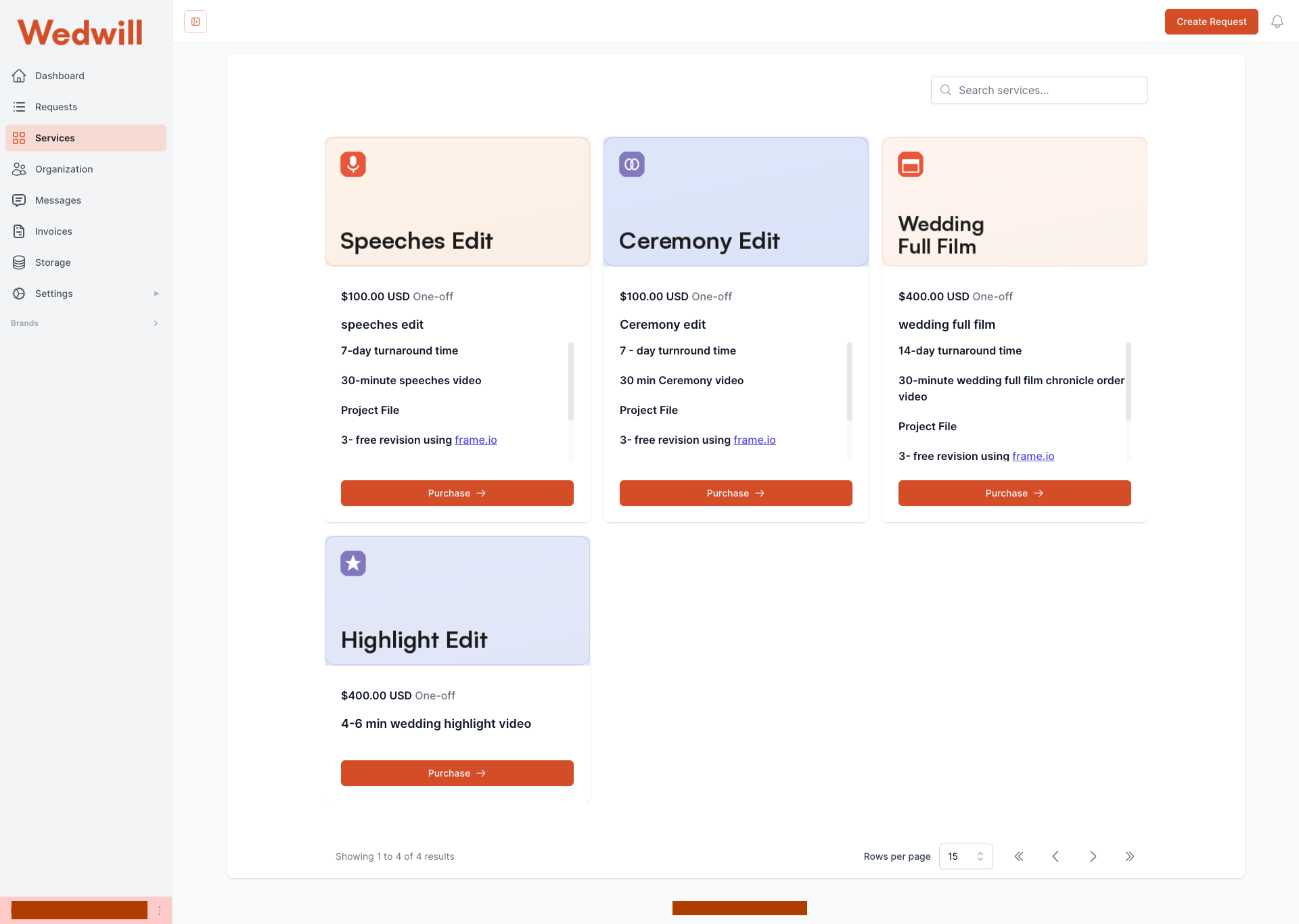
Purchase the edit you need from the Services tab — Highlight Edit, Full Film, Ceremony or Speeches. Then hit Create Request and fill in the project.
The form asks for: project name (we use the couple's names), which editing software you want the project file in, your footage link, final video length, footage size in GB, font and title notes, and a Project Brief field for anything else — style references, music preferences, must-keep moments.
We confirm your date and the clock starts
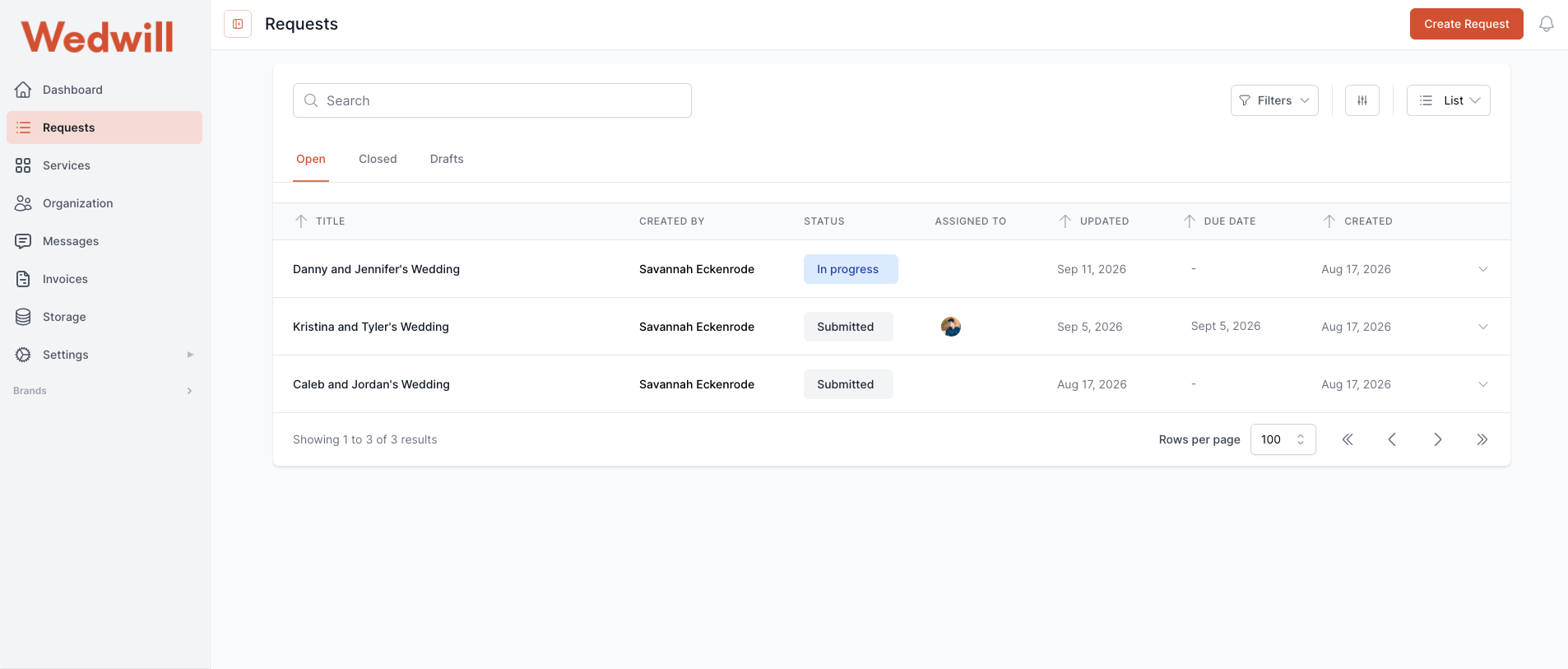
Once your request is submitted and we can reach your footage, we confirm an estimated delivery date for that project. Your request appears in the Requests tab as Submitted, then moves to In progress when your editor picks it up.
The clock starts the first business day after the request is published and the footage link is accessible — and it pauses if the link goes down or downloads get disabled. Business days are Monday to Friday, excluding U.S. holidays.
An expert wedding editor cuts your film
Your editor culls the footage, syncs every camera angle, assembles the story, grades it, mixes the audio and scores it from our licensed Musicbed catalogue — working against your references rather than a house template.
If you have Wedwill Pro, it's the same dedicated editor every month, so the style match sharpens with each project. On per-project orders, your work goes to the expert editor best suited to it.
Review the first draft on Frame.io
Your first draft arrives as a Frame.io link. Watch it in the browser and click at any point on the timeline to leave a comment — "tighten this by two seconds," "wrong take here," "grade this warmer" — attached to the exact frame rather than described in a paragraph.
Three revision rounds are included on every project, per-project and Pro alike. Most films are signed off in one or two. Extra rounds beyond three are $25 each. Send your notes within 14 days or the version auto-approves.
Approve and download
Once you approve, the final video and your Adobe Premiere Pro project file are delivered through the portal. The project file comes organised — footage culled, multi-cam synced, clips labelled chronologically — so you can recut or adjust anything later without coming back to us.
We keep your footage for 30 days after delivery. Download and back up promptly.
How long each edit takes
All dates are good-faith estimates, never guarantees. We confirm yours at submission.
| Service | Per project | Wedwill Pro | Rush |
|---|---|---|---|
| Wedding Highlight Edit | 14 business days | 10 business days | 7 days (+$100) |
| Full Film Edit | 14 business days | — | 7 days (+$100) |
| Ceremony Edit | 5 business days | 3 business days | Not available |
| Speech Edit | 5 business days | 3 business days | Not available |
| $199 Trial (Highlight) | 14 business days | — | Not available |
When the clock starts
The first business day after your request is published and we can access your footage link. Requests submitted after 3 PM Central on a Friday begin the following Monday.
When the clock pauses
If a Drive or Dropbox link is inaccessible, expired, or has downloads disabled, the estimate pauses until it's fixed. This is the most common reason a project runs late — worth double-checking before you submit.
What happens when you send several weddings at once
This is the part most editing services don't explain, so here it is plainly.
We work through your projects one at a time rather than all at once. That's deliberate: the same editor carries your style across the whole batch, so the third film looks like the first. Each project starts the business day after the previous project's first draft goes out.
You always get a date per project, not a blanket estimate for the batch — so you know exactly what to tell each couple. Rush Delivery (+$100) on any project cuts it to 7 business days and pulls everything behind it forward. Want them in a different order? Tell us before you submit and we'll rearrange. Need several edited at the same time? Email us about an Enterprise Plan — that's the arrangement for parallel production across multiple editors.
Your assets live in your account
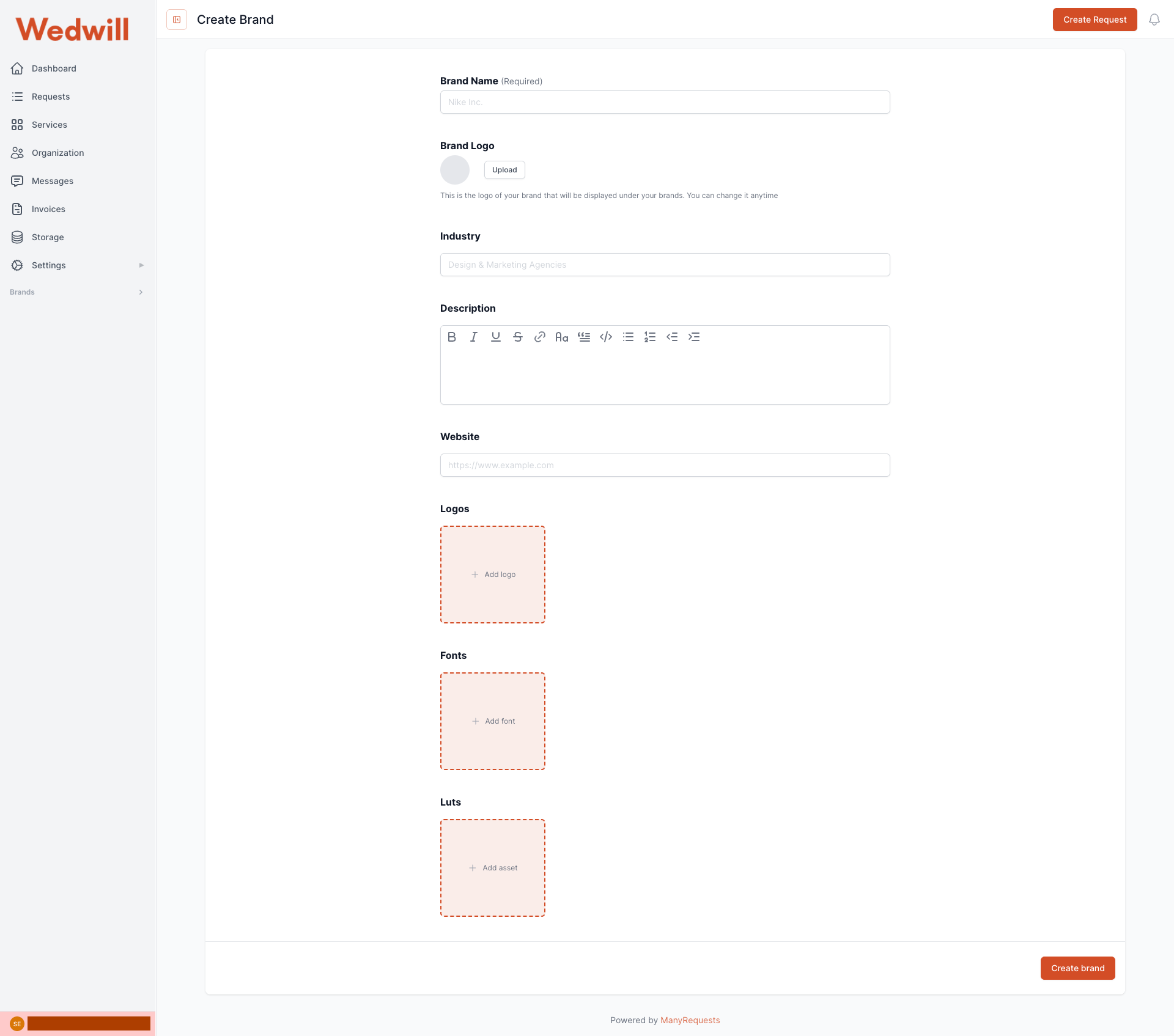
Every editing service says they'll match your style. Here's how we actually do it: your portal has a Brands section where your real assets are stored — not a description of your look, the look itself.
Upload once and every editor who touches your work is grading with your LUTs, titling in your fonts, and working to your brand guidelines. It stops being interpretation and starts being your actual toolkit.
- LUTs — your grade, applied by every editor on your projects
- Fonts — titles and name cards in your typeface, not a substitute
- Logos and brand assets — for end cards and branded deliverables
- Multiple brands — run more than one label from a single account
Every project, every time
No tiers, no upsells on the essentials. This is what's included at every price point.
The finished film
Colour graded, sound mixed, scored with a licensed Musicbed track, cut to your style.
The project file
Your organised Premiere Pro project — synced, culled, labelled. Free with every order, always.
Three revision rounds
Timestamped on Frame.io. Most films are signed off in one or two.
Questions about the process
Test the whole process on one wedding
New customers get a full 4–6 minute highlight edit for $199 instead of $400, with a 7-day money-back guarantee on the first draft.
No subscription required · Project file included · 3 revisions on every project


